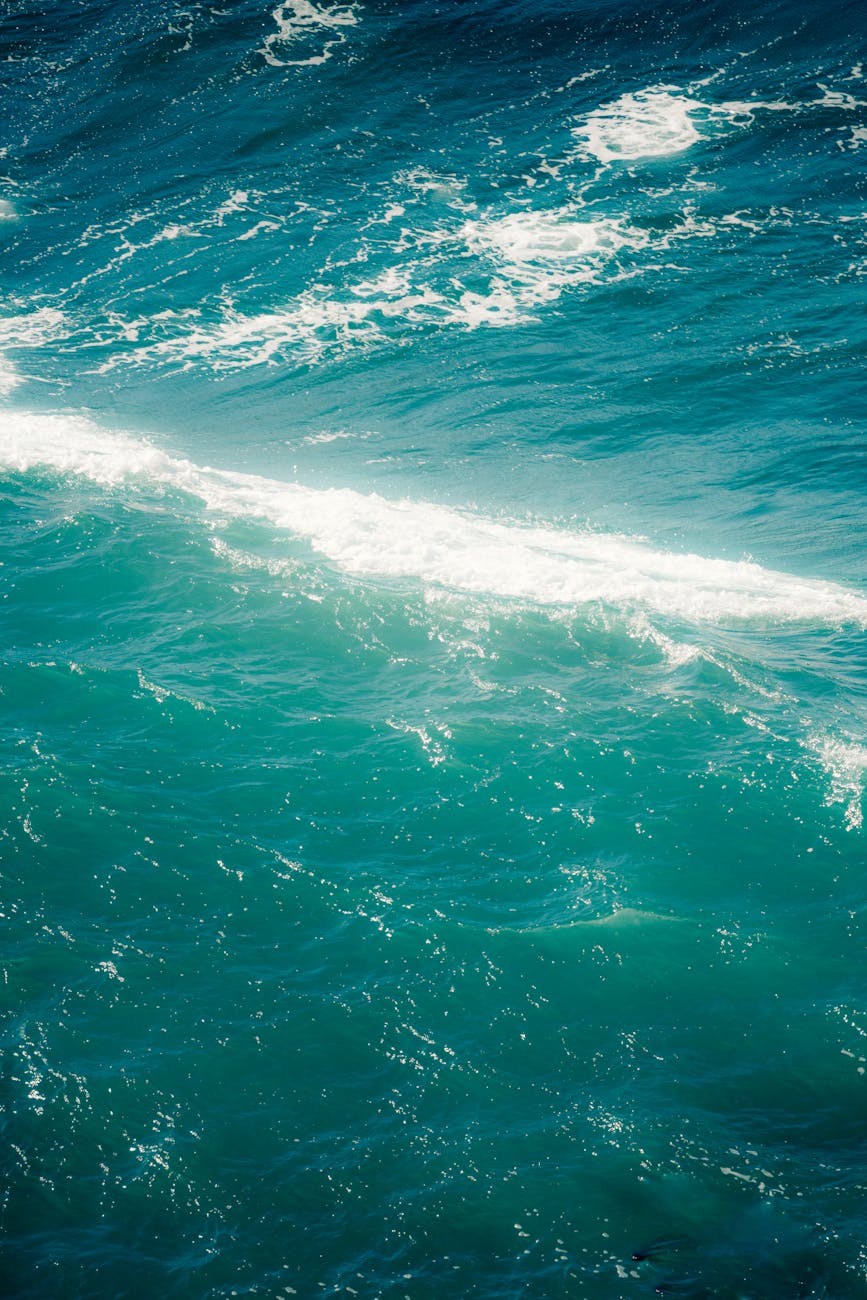
Creating cinematic typography has never been easier, thanks to Google Flow. By leveraging this powerful tool, designers can craft stunning, minimalist designs that rival professional travel posters. One such example is the ‘ILLAS CÍES’ typography design, which incorporates breathtaking ocean textures within its letters.
To achieve this look, start by opening Google Flow and creating a new scene or project. Use a prompt that focuses on typography, describing the desired textures within the letters. Keep the background simple to let the typography take center stage. For instance, the prompt ‘Minimalist typography design with the words ‘ILLAS CÍES’, letters filled with realistic turquoise Atlantic ocean water, soft white foam waves, subtle sandy beach gradients, clean white background, modern travel poster aesthetic’ yields impressive results.
Some tips to enhance your design experience with Google Flow include starting with short prompts, adding lighting details later, avoiding excessive effects, and opting for high contrast text. By following these guidelines and experimenting with different versions, you can upscale your best design to achieve a professional, cinematic look that’s perfect for travel-style graphics.
Photo by Griffin Wooldridge on Pexels
Photos provided by Pexels